

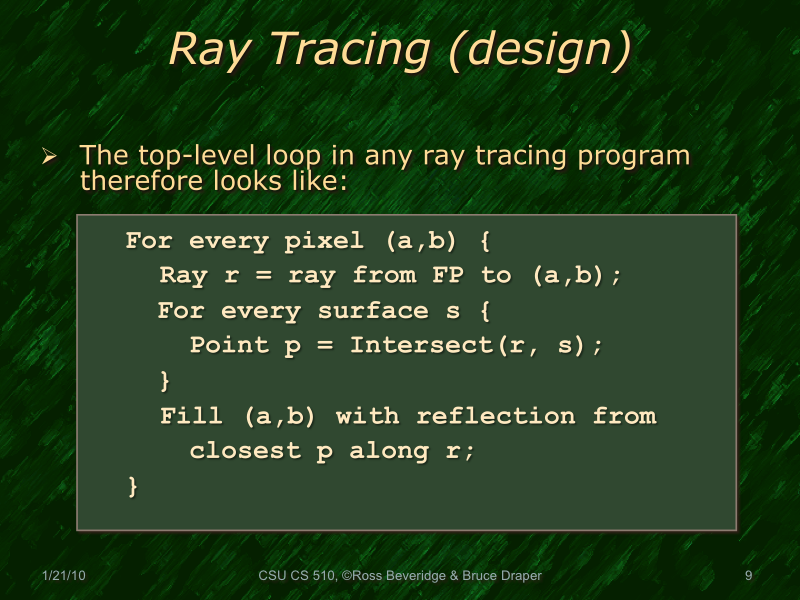
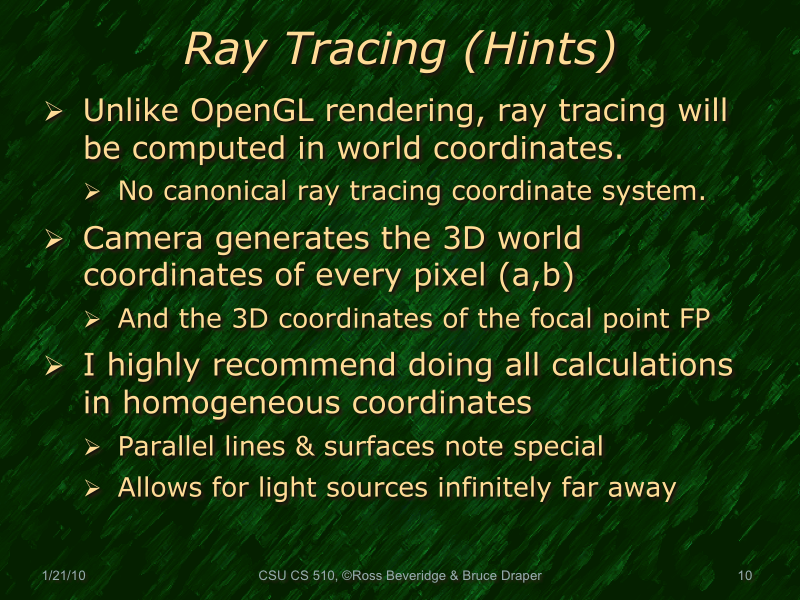
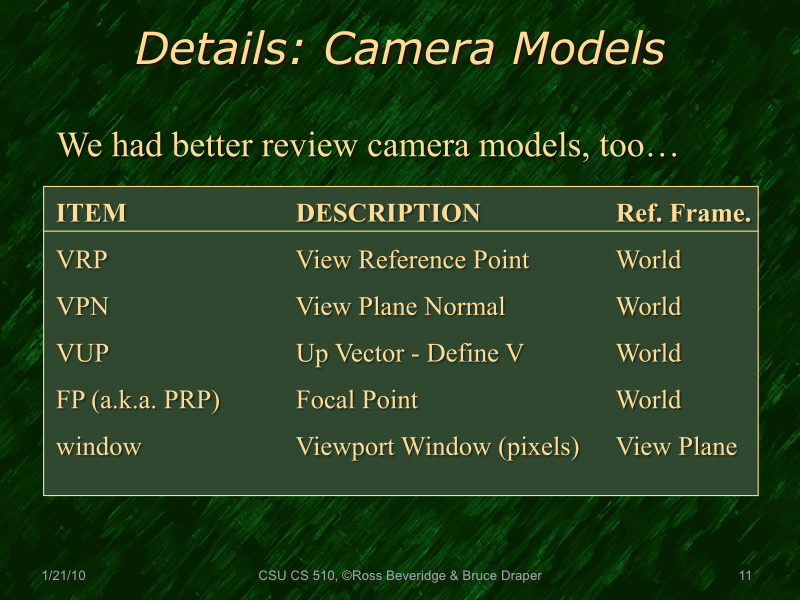

Here's a couple of nice tricks for positioning/orienting your viewplane:
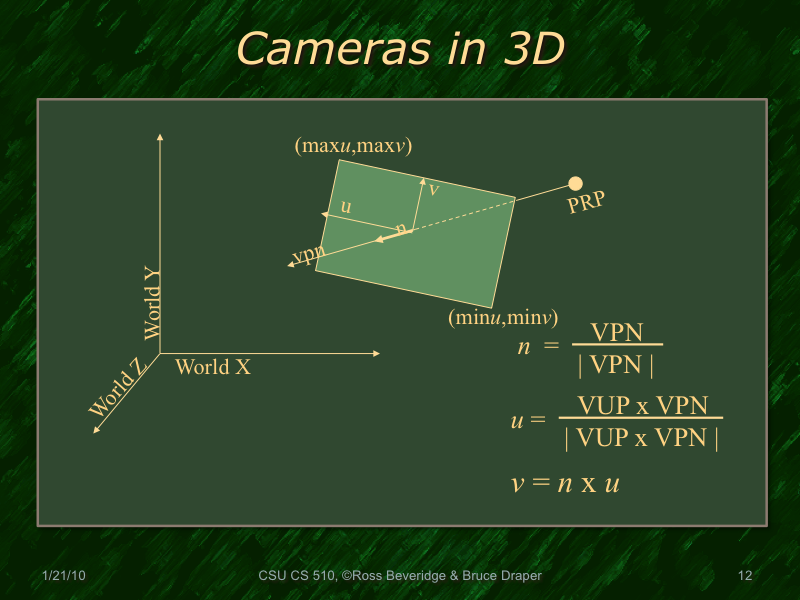
- To find a nice viewplane normal vector, you can simply subtract the coordinate of the center of your scene from your camera position -- that positions your camera to point directly at the scene center. Don't forget to normalize the resulting vector!
- I'm not quite certain I got the axis selection right, but...Once you find your viewplane normal you need to find an "up" vector othogonal to the normal. If you want to align the camera looking directly along your X or Y axis, you can use the vector result of computing the cross product of your viewplane normal with a vector consisting of 1 for the axis of aligment and 0's in the other two directions.

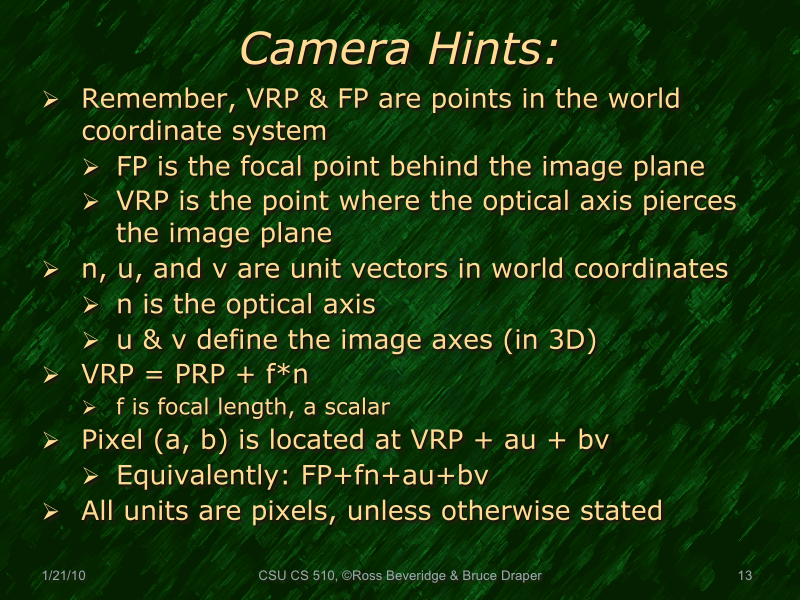
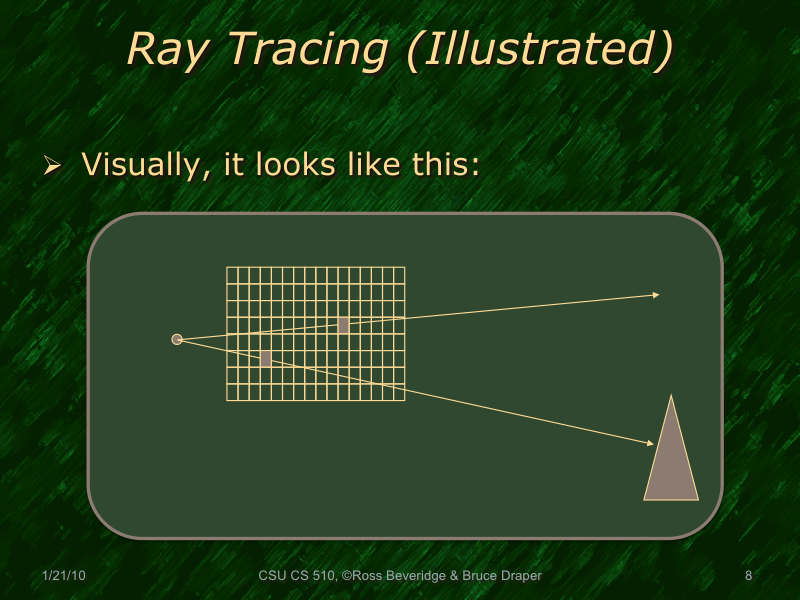
In the Pixel(a,b) reference, Pixel() is not a 3-d coordinate. It references a particular pixel on the image plane. Subsequent slides reference p() as the 3-d coordinate of Pixel(a,b)
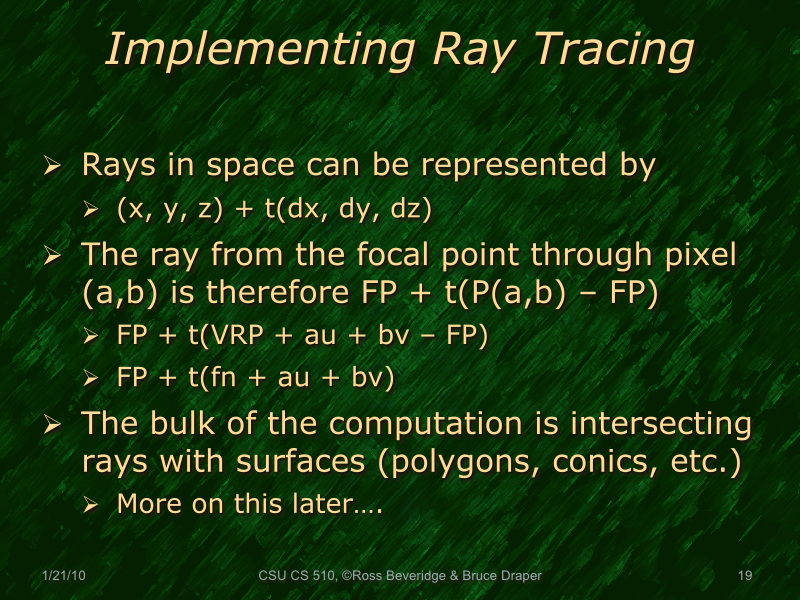
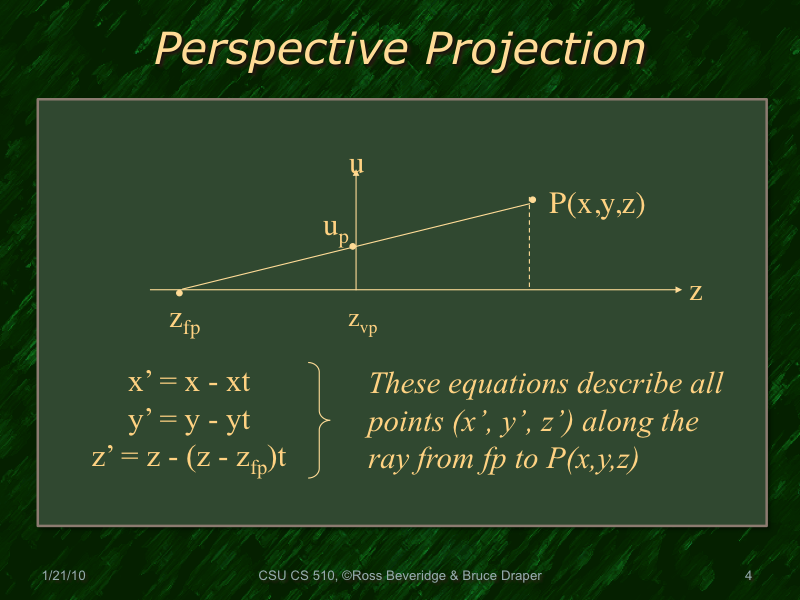
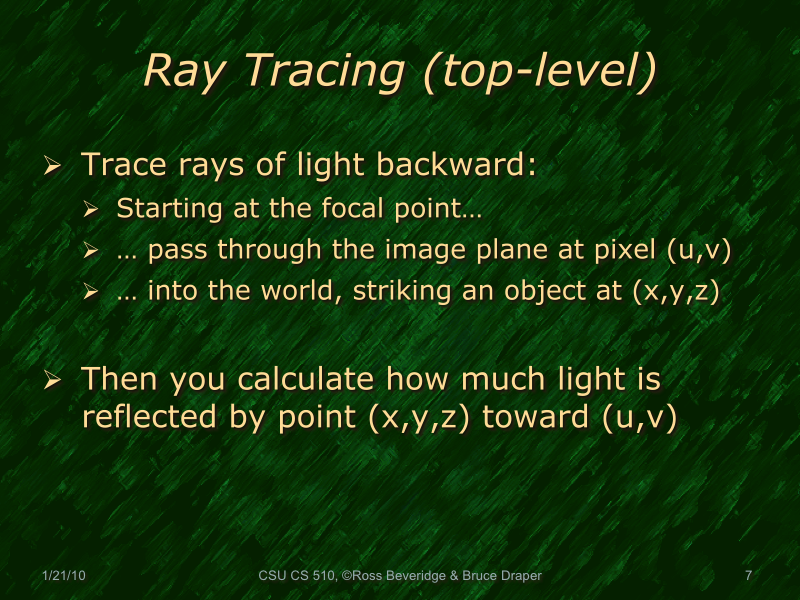
t=0 : FP
t=1 : P(a,b)
||V|| = sqrt(dx^2 + dy^2 + dz^2)
If V is of unit length, t becomes distance
The VRP is the center of the view plane in 3D
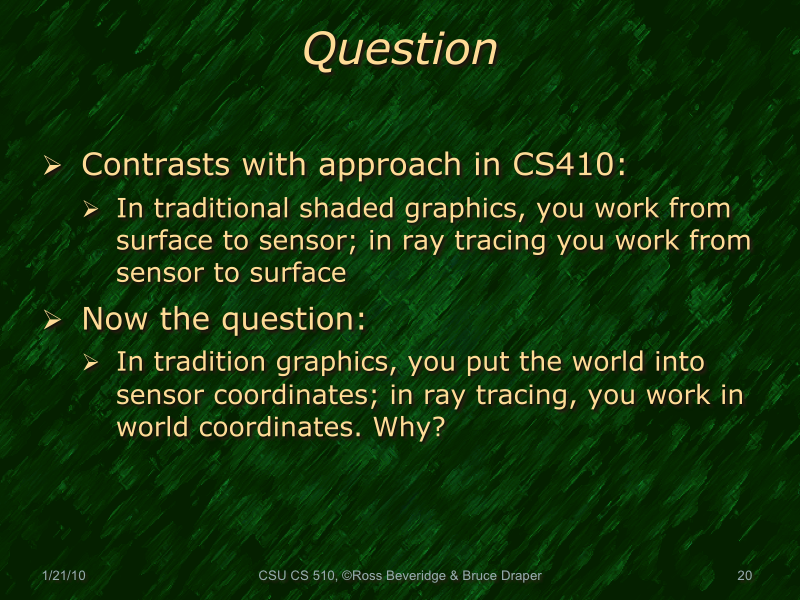
Relative coordinates do not work well when you are dealing with object interaction, i.e. you want to be able to intersect a ray from surface a to surface b. Efficient retrieval systems can only be possible in a global coordinate system.
