CSU EEG Brain-Computer Interface Lab (CEBL):
Contents
- Project Overview
- News
- Download
- Installation
- Documentation
- Versions
- Screenshots
- Tutorial: Transitioning from R to C++
- Setting up NeuroPulse Mindset 24 EEG Amplifier in Linux
- BCI Controlled Robot Demonstration
- Useful Links
Project Information
CEBL is an ongoing open-source project to create a useful architecture to connect the many parts of EEG BCI research:
- EEG cap and amplifier
- Classification, data filtering, feature extracting, and decision algorithms
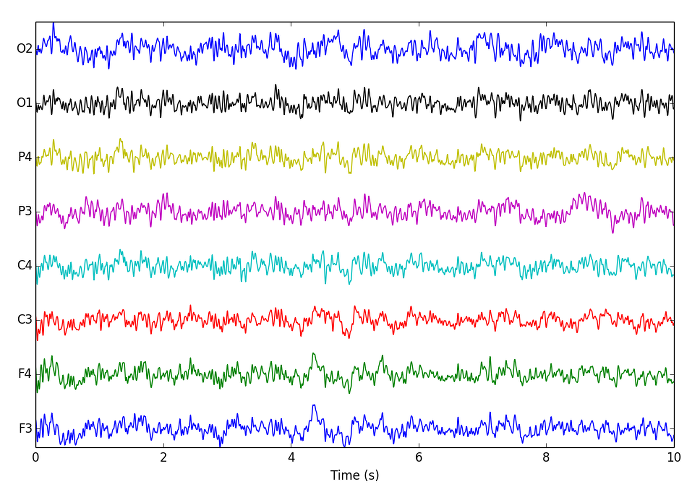
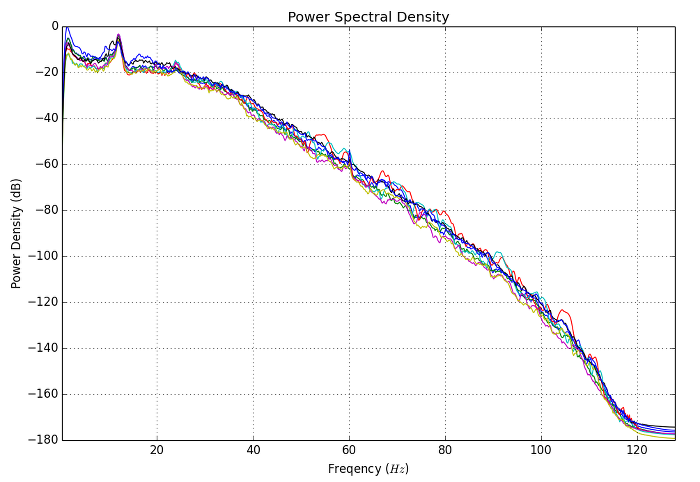
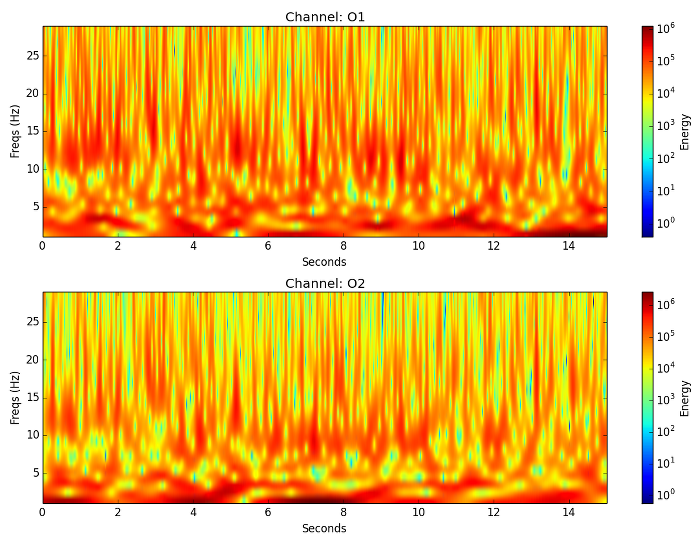
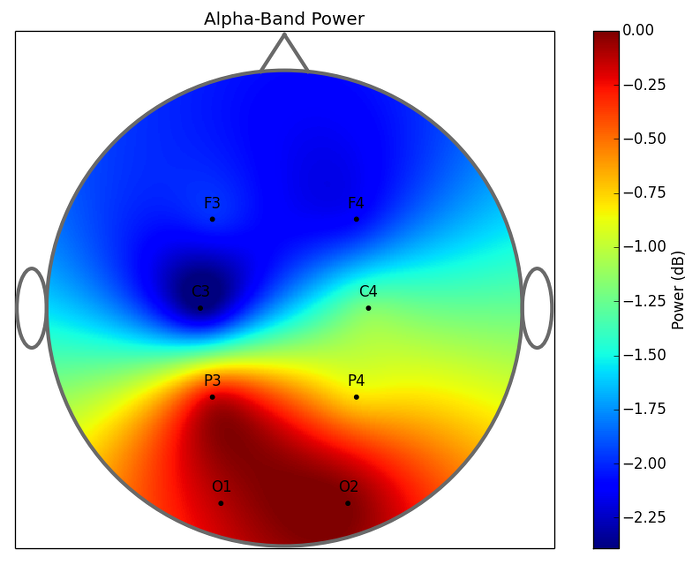
- Visual representation of EEG data
- Training and data collection
- Online BCI interfaces
- Storing and loading of previously experiments
Go to the top of this page.
News
[April 16 2009] CEBL 2.0 released. Site hasn't been updated for a year and a half so I thought I would work on it. CEBL has been re-designed from the ground up and is now released as cebl 2.0 to be more modular and separated between view and model. All code is now separated between gui and model pieces so it is easy to write a new interface to the system. I've scrapped automake and moved to waf which is a wonderful and simple python-based build system. Training data now contains lots of information about the data and recording session. Training, data collection, real time classification, extracting features, and training classifiers are all threaded so CEBL no longer locks while performing these tasks. Added ability to inturrupt long actions. Re-designed plotting to make all plots overlap, and easier to view. Full list of features listed in section about cebl 2.0.
[November 30 2007] Pie menu now uses bars instead of the cursor when classifying. Made interfaces detachable by double-clicking them. Added configuration menu for interfaces. Added required function to features which is called each time a class is selected.
[October 17 2007] Lots of things over the past few months: Added controls to EEG device tab to set the block size and sample rate for recording. Fixed feature applying. Added several functions to cppR, and cleaned up this library separating it into several header files. Expanded on cppR tutorial on website. Added panel to enter class labels to pie menu in the train tab. Added several changes to the session files which weren't being saved before. After alot of trying I finally gave up on getting boost::serialization working properly on dynamically loaded shared libraries. Although serialization in features, classifiers, and filters does work, it is somewhat limited and not exactly how it is meant to work. As it is you have to write individual serialization functions for any data type you wish to save in classifiers or features (including STL data types). Primitives should save to archive with no problem. Tryed to get Ratoc u2scx SCSI to USB converter to work in linux with no luck. Although I did manage to get the Adaptec usb2xchange to work using a kernel patch and firmware I found on the internet, we decided that it would be more convenient to have an adapter which didn't require a kernel patch. In any case we plan on sticking to the pcmcia scsi cards to connect to the EEG Amplifier. Spent a little time making a debian package for the project. CEBL now has a darcs repository read-accessible to the world. See the download section.
[August 6 2007] New: MNF filter actually works now, added more functions to cppR.hpp and fixed some old ones, LDA and QDA classifiers added by Dr. Anderson, combined channels and data process tab, removed data source tab, added makefile for all shared libraries, renamed channels to EEG Recording, and Mindset to EEG Device, created a darcs repository, added scroll bar for channel selection. Also, usb interface to mindset works using adaptec usbxchange and a kernel patch.
[July 2 2007] New: filters are now loaded as plugins, cebl no longer requires lapack to compile, saving/loading session finished
[June 29 2007] New: added session saving and loading, added
serialization to classifiers and features to make this possible, made
the feature extractors load from shared libraries like the classifiers.
Current Working on: making the gui compile without the need for lapack,
this consists of removing the filters from the core and making them
load as shared libraries as well because filters, feature extractors,
and classifiers are the only pieces which need to use lapack routines.
This will make compiling the gui easier. Also working on this site a
bit more.
[June 22 2007] CEBL 0.4 released. New: Added saving of training
data, classifiers are loaded as plugins, wrote tutorial on how to make
a classifier, cebl searches for and creates a configuration directory
as well as searching in a default system-wide directory, loads
preferences (though there are no preferences yet, redesigned menu
system using gtkuimanager, session saving and loading is mostly done,
preferences window (with no preferences).
[May 23 2007] I'm learning GNU autotools. CEBL now has a configure script with a few tests to generate a makefile.
[May 21 2007] CEBL brought completely up to speed with the old R
gui. Training and cursor movement on multi-class pie menu using MNF
filter, Referencing, Lag feature extractor, and LDA classifier all
working.
Go to the top of this page.
Download
Download
Option 1: Get it from the SVN Repository:
You must have a CSU Computer Science login for this.
Check out repository to a target directory of cebl:
$ svn co svn+ssh://USER@MACHINE.cs.colostate.edu/s/chopin/j/proj/eeg/svn/cebl/trunk cebl
Where USER is your username and MACHINE is a computer in the CS department (
list of machines).
OR, if you are on the cs filesystem
$ svn co file:///s/chopin/j/proj/eeg/svn/cebl/trunk cebl
OR from Eclipse create a new project, select check out from svn and when it asks for a repository enter "svn+ssh://MACHINE.cs.colostate.edu/s/chopin/j/proj/eeg/svn/cebl/trunk".
Option 2: Nightly Tar of Repository
cebl_nightly.tar.gz
Go to the top of this page.
Installation
Dependencies
On the CSU Computer Science Department Machines
Two of libraries aren't on the CS machines. These are libfakekey and gtkextra. I have compiled these libraries locally in the CEBL directoy, but you need to set some environmental variables to make the configure and make scripts find these files. I have compiled both the 64 and 32 bit libraries. The script will determine which ones to use.
if you use a csh variant:
> source eeg/CEBL/csh_environment
if you use bash:
$ source eeg/CEBL/bash_environment
Compile
CEBL 2.x
$ cd cebl/cebl_2.x
$ ./waf configure
$ ./waf build
$ ./waf install --plugins
$ build/default/cebl
CEBL 1.x
$ cd cebl/cebl_1.x #or whatever directory you have the source in
$ ./configure
$ make
#now you need to make the plugins.
#the make install script will put the plugins in ~/.cebl/plugins
$ cd src/plugins
$ make && make install
$ cd ..
#now you can install it or run it from here
$ su -c "make install"
#or just run it
$ ./cebl
If you are running KDE I highly suggest getting gtk-engines-qt in order to make gtk apps (such as cebl) look nice in KDE.
Go to the top of this page.
Documentation
Doxygen Documentation
How to create new classifiers, features extractors, and filters.
Go to the top of this page.
Versions
CEBL 2.0
Main differences from 1.x:
- Uses the waf build system.
- Separate code for internals of cebl and GTK gui.
Go to the top of this page.
Screenshots
Screenshots from July 2009
Screenshots from November 2007
Screenshots from April 2007
Go to the top of this page.
Useful Links
Numerical Linear Algebra Packages on Linux
A Short Tutorial on Moving from Matlab to C++ using uBlas
Boost
Go to the top of this page.